

Capture Everything, Everywhere, Every Day

Today we dive into building a daily capture habit across devices, stitching phones, laptops, tablets, and watches into one dependable flow. You will learn small moves that slash friction, from one-tap buttons and voice notes to email bridges and camera scans. Real stories show how tiny cues beat motivation and how a forgiving inbox invites ideas. Follow along, borrow what works, and share your setup so we can improve together and celebrate a practice that reliably turns scattered moments into meaningful progress.

Design Your Frictionless Capture System

Good capture feels effortless because the path from spark to storage is short, obvious, and reliable. We will map quick-entry buttons, global hotkeys, and lock screen widgets, then connect everything to a single inbox you trust. Expect simple choices, minimal folders, and names that make sense later. The goal is speed now, clarity soon, and action afterward, so ideas are never stranded by latency, lost logins, or indecision when inspiration knocks at inconvenient times.

One-tap from any screen

Make capture literally one gesture away. On desktop, set a global hotkey that pops a quick entry window over everything. On your phone, place a capture widget in the first slot and a watch complication on top. Include voice activation for hands-busy moments. When the path is that short, you will use it during walks, meetings, commutes, and late-night flashes instead of promising yourself you will remember later.

A single trusted inbox

Route everything to one place first, even if you ultimately organize in multiple tools. Email yourself, message yourself, and use share sheets that point to the same inbox. Allow mess at entry, because neatness can wait. Trust grows when you always know where new things land. Later, you will clarify, tag, and link without fear of missing something, since the capture door never splits into confusing either-or decisions.

Rituals, Triggers, and Identity

Habits stick when they ride existing cues, identities, and rituals. We will anchor capturing to morning coffee, commute doors, meeting endings, and bedtime lights. Implementation intentions convert intentions into scripts: when this happens, then quick note. Identity makes it personal: you are someone who catches sparks. Gentle prompts replace nagging, and tiny consistent repetitions build a trustworthy record faster than sporadic marathons fueled by guilt, pressure, or unsustainable bursts of inspiration during rare perfect days.

A morning sweep that clears the mental cobwebs

Pour your coffee, start a three-minute timer, and dump every stray thought into your inbox without judgment. Do not sort; just unload. That tiny ritual scrubs mental noise and reveals the first true priority. Over time you will notice lighter shoulders and fewer spinning plates before lunch. Share your preferred morning cue with us, and borrow someone else’s if you are still searching for a reliable, repeatable anchor that feels naturally inviting.
Ambient triggers that whisper at the right moment

Place a capture widget where your thumb lands, add a subtle watch complication, and set a geofence that opens notes when you arrive at work. Avoid loud reminders that become easy to ignore. You want gentle nudges that surface options, not orders. When your environment quietly suggests the next tiny step, you will record fleeting thoughts without wrestling with motivation, leaving more energy for creativity, relationships, and the hard parts that truly matter.

Become the kind of person who captures first

Identity-based habits outlast willpower. Tell yourself, aloud if needed, I capture first, decide later. Pair it with simple if-then intentions: if a meeting ends, then jot one takeaway; if an idea appears, then dictate ten words. Celebrate tiny wins immediately with a checkmark, breath, or smile. Those signals teach your brain that collecting sparks is valued, safe, and rewarding, turning consistency into something you are proud to protect each ordinary day.

Cross-Device Workflows That Feel Natural

Different devices shine at different jobs. Your phone catches life in motion with voice, photos, and share sheets. The laptop excels at triage, tagging, and linking ideas to documents. A tablet invites calm review with a couch and a stylus. Rather than forcing parity, assign roles that feel natural, then design handoffs so notes glide from capture to clarity without friction, duplication, or guesswork while your attention stays on what matters most.

Phone as the pocket net

Make your phone the fastest path for messy capture. Use voice-to-text on the lock screen, snap whiteboards and receipts, and share links straight into your inbox with two taps. During commutes or lines, dictate summaries of conversations before memories fade. The point is speed and safety, not polish. Later, you can title, tag, and link on bigger screens, knowing mobile saved the spark exactly when it tried to escape.

Laptop as triage and linking station

On desktop, a global hotkey opens quick entry in an instant for ideas sparked while working. Schedule short triage blocks to rename, tag, and connect notes to active projects or documents. Use templates to convert raw captures into tasks, briefs, or tickets. Keyboard-driven actions keep momentum high. When the heavy lifting happens here, every mobile capture pays off later as it becomes findable, actionable, and connected to the real work you care about.

Email, messages, and calendar into your inbox automatically

Create a forwarding rule for starred emails, pipe messages from yourself into notes, and auto-generate a daily checklist from your calendar at sunrise. Add subject keywords that tag items on arrival. Keep privacy in mind by excluding sensitive threads. When administrative noise lands ready for triage without manual effort, you reclaim mental bandwidth for deeper work, while still honoring obligations that otherwise leak through cracks you did not know existed.

A reading pipeline that never leaks

Save articles to a read-later app with a default tag like Review. Each evening, a shortcut exports new highlights into your inbox with source, author, and quote blocks. Another automation creates a tiny follow-up task dated tomorrow. Nothing gets stranded in forgotten queues, and your ideas meet the right context quickly. Use the same flow for newsletters and PDFs, then invite friends to swap their favorite automation recipes in the comments.

Camera to text and tidy folders without effort

Scan receipts, whiteboards, and book pages into an OCR-enabled app that names files with date, location, and a short description. A background rule files them into finance, meeting notes, or research folders automatically. Extracted text lands in your inbox with a link to the original image. Regular backups and a periodic archive to cloud storage keep everything safe. The result is trusted records with almost no manual sorting, ever.

Automation That Removes Decision Fatigue

Automation turns repeated taps into invisible helpers. Shortcuts, IFTTT, and Zapier can forward starred emails, transform calendar events into checklists, and push highlights from reading apps straight into your inbox. Camera scans become clean PDFs named by date. Triggers based on time, location, or actions nudge flow without nagging. The aim is fewer choices, fewer taps, and more consistent outcomes when your attention is scarce and interruptions threaten fragile moments of insight.

The two-minute rule as momentum engine

If a captured item takes under two minutes, do it now: send the reply, rename the file, add the tag. Momentum compounds. For anything larger, create a clear next step and a realistic date. Beware rabbit holes disguised as quick wins. Treat completion like a micro-celebration, because the brain remembers rewards. Over a week, dozens of tiny completions transform an intimidating list into steady motion toward results that actually matter.

Daily ten-minute checkout

Pick a fixed time near day’s end, open your inbox, and clear what you reasonably can. Convert raw captures into next steps, park reference items, and schedule tomorrow’s top three. If something lingers, write why in one sentence. That honesty reduces psychic drag. This gentle closing ritual teaches your brain that the system is dependable. Share your checkout time with us, then set a recurring reminder so future you gets the same kindness.

Streaks and visible progress that actually help

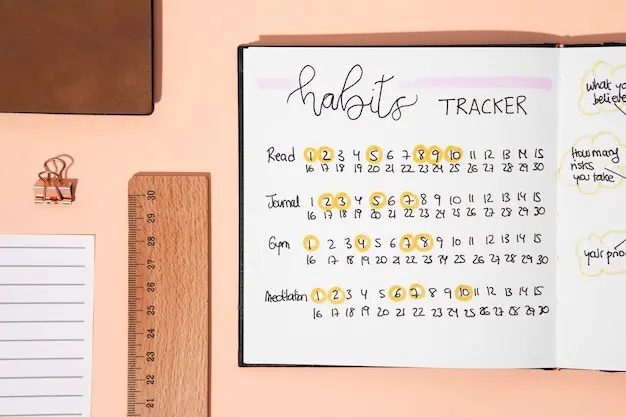
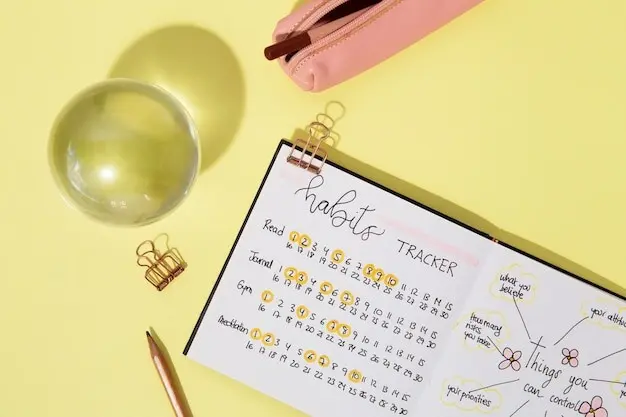
Track a simple streak: days captured, not items cleared. Pair it with a weekly highlight reel of three meaningful captures that led to action. A tiny dashboard widget or paper calendar reinforces continuity. When you inevitably miss a day, restart immediately without drama. Share your highlight reel with us to inspire others. Progress you can see and celebrate keeps energy available for the next ordinary day, where momentum quietly multiplies.

Find allies who cheer and challenge

Invite a friend to a weekly, ten-minute call where you each demo one workflow improvement and one stubborn snag. Join a focus room for quiet coworking during triage. Swap shortcut links, widget screenshots, and small wins. Accountability should feel supportive, not punitive. The right companions normalize course corrections and periods of low energy, while still nudging you forward. Tell us where you gather, and we will introduce readers who want partners too.
Kirakarolento
Privacy Overview

This website uses cookies so that we can provide you with the best user experience possible. Cookie information is stored in your browser and performs functions such as recognising you when you return to our website and helping our team to understand which sections of the website you find most interesting and useful.